Nextcloud · CalDAV · CardDAV · WebDAV
Your Nextcloud, native on the desktop.
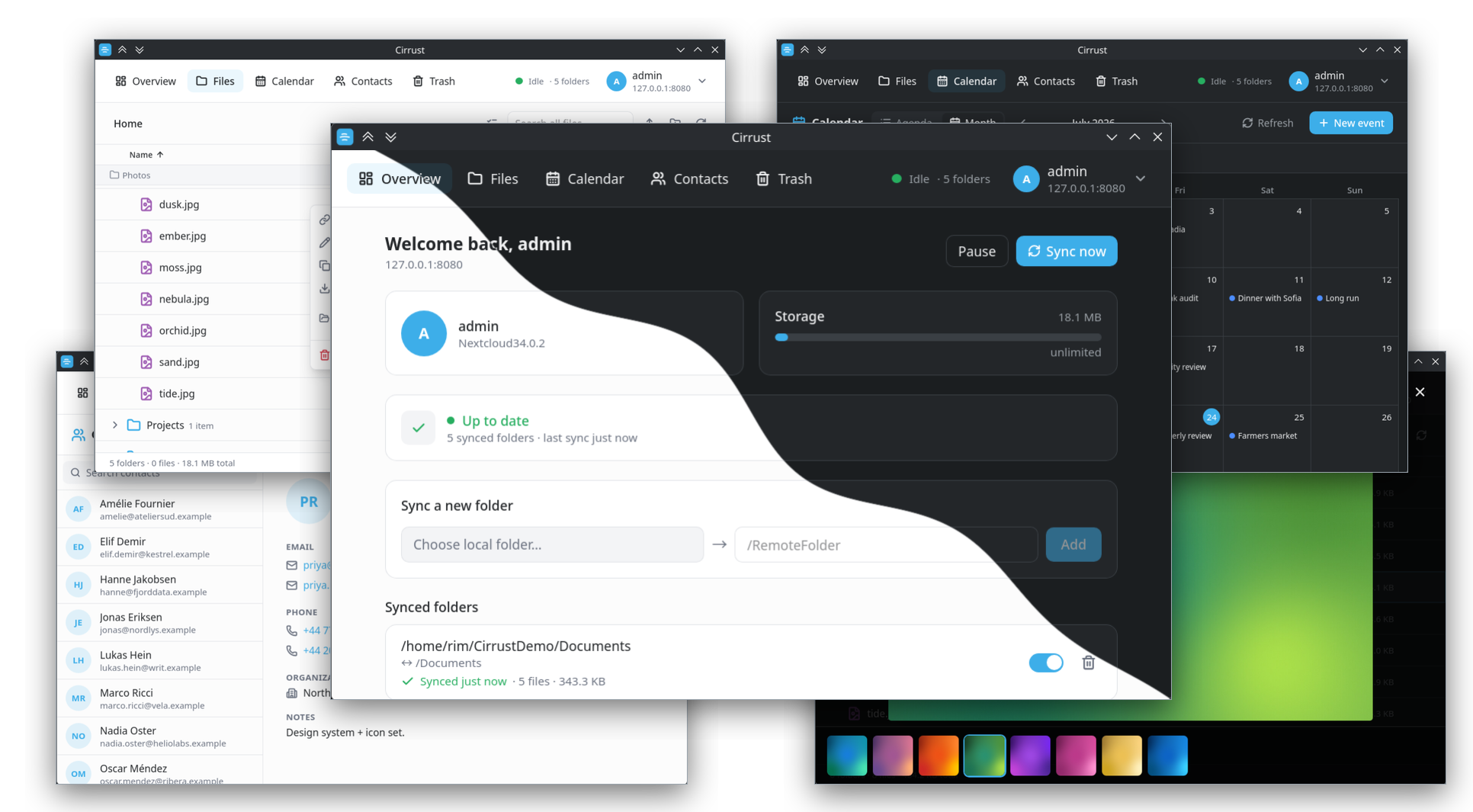
Cirrust is a fast, lightweight desktop client for Nextcloud and compatible servers — files, calendars and contacts in one place, with background sync and native panel widgets for KDE, GNOME & Cinnamon. Built with Tauri 2 + Vue 3 and a Rust core.
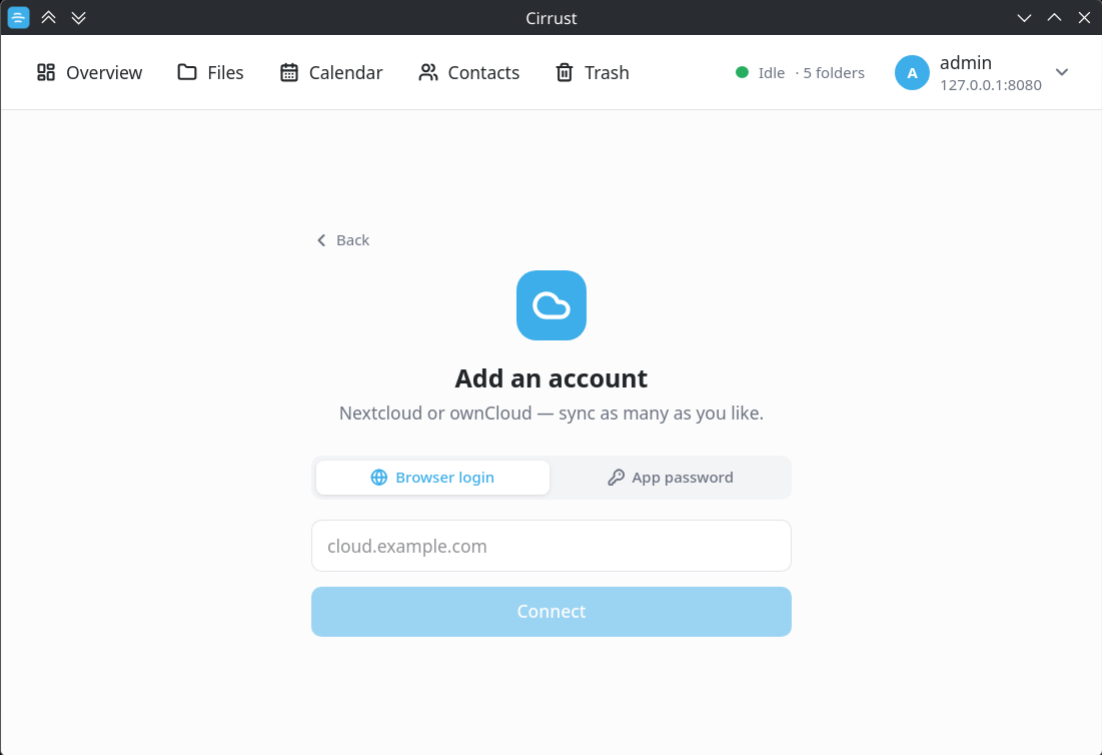
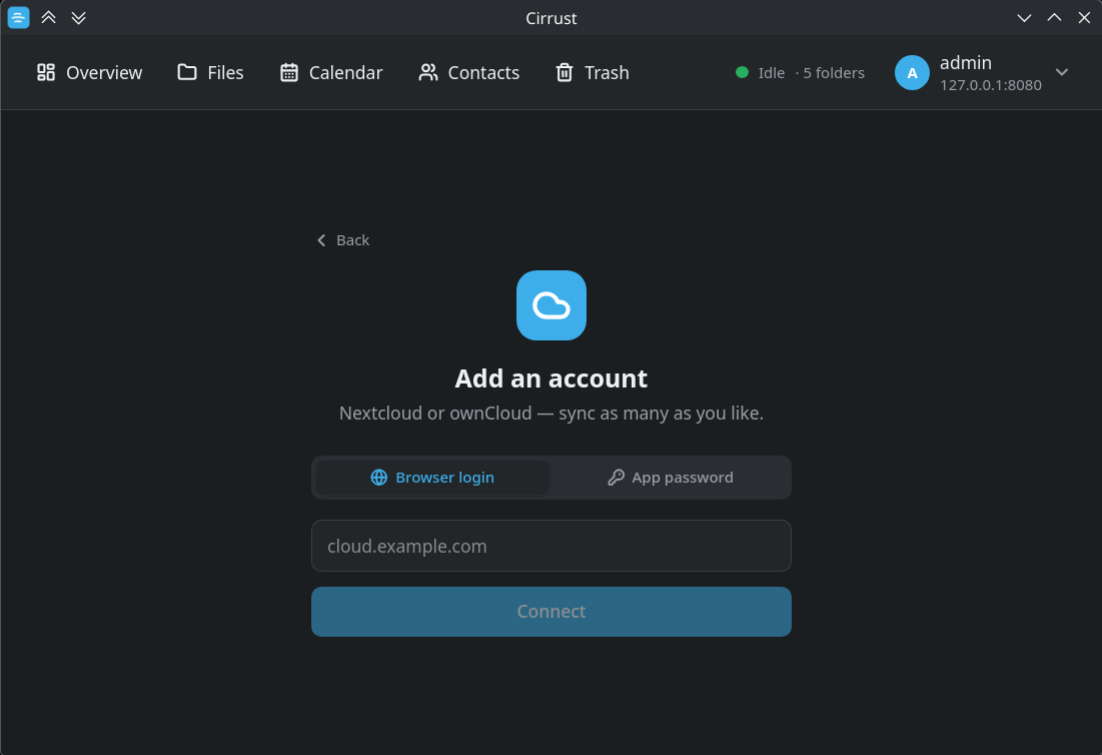
Point it at your server and you're done
Add an account with Login Flow v2 — type your server address, approve the request in the browser that opens, and Cirrust receives a dedicated app password. No main password is ever typed into the client. Prefer to skip the browser? Paste an app password directly instead.
- Works with Nextcloud and ownCloud
- Credentials go straight into KWallet / Secret Service, never to disk
- Add as many accounts as you like and switch between them
- Revoke access any time from your server's security settings
An expandable-tree file browser over WebDAV
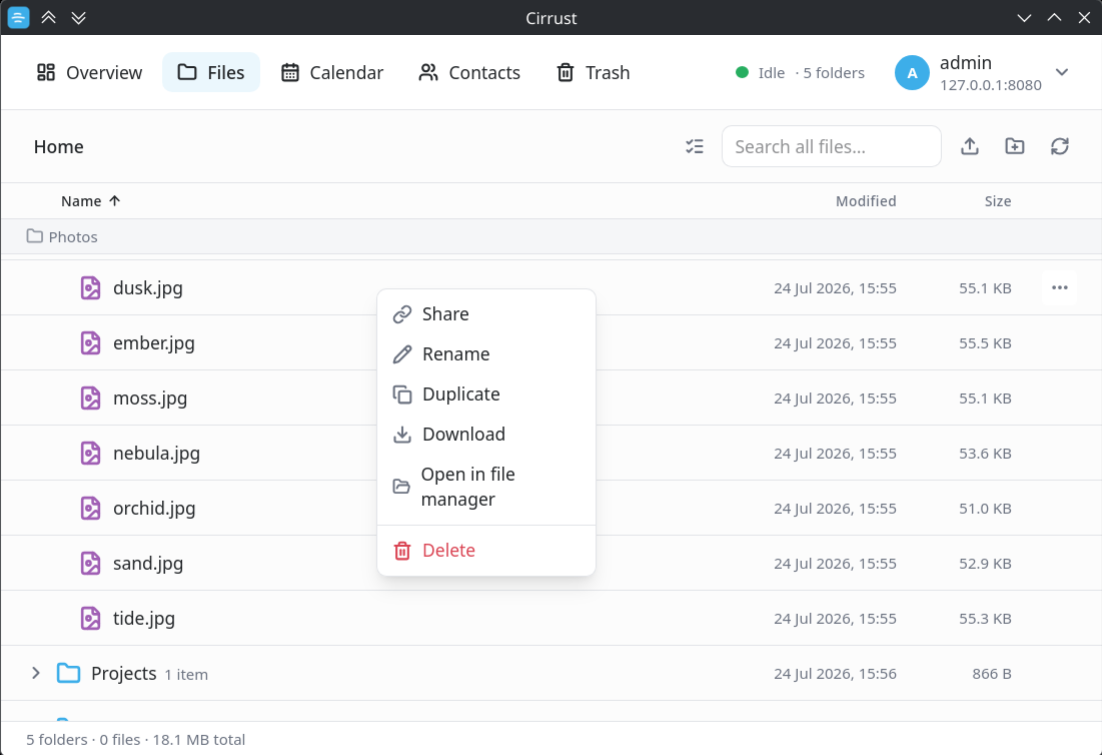
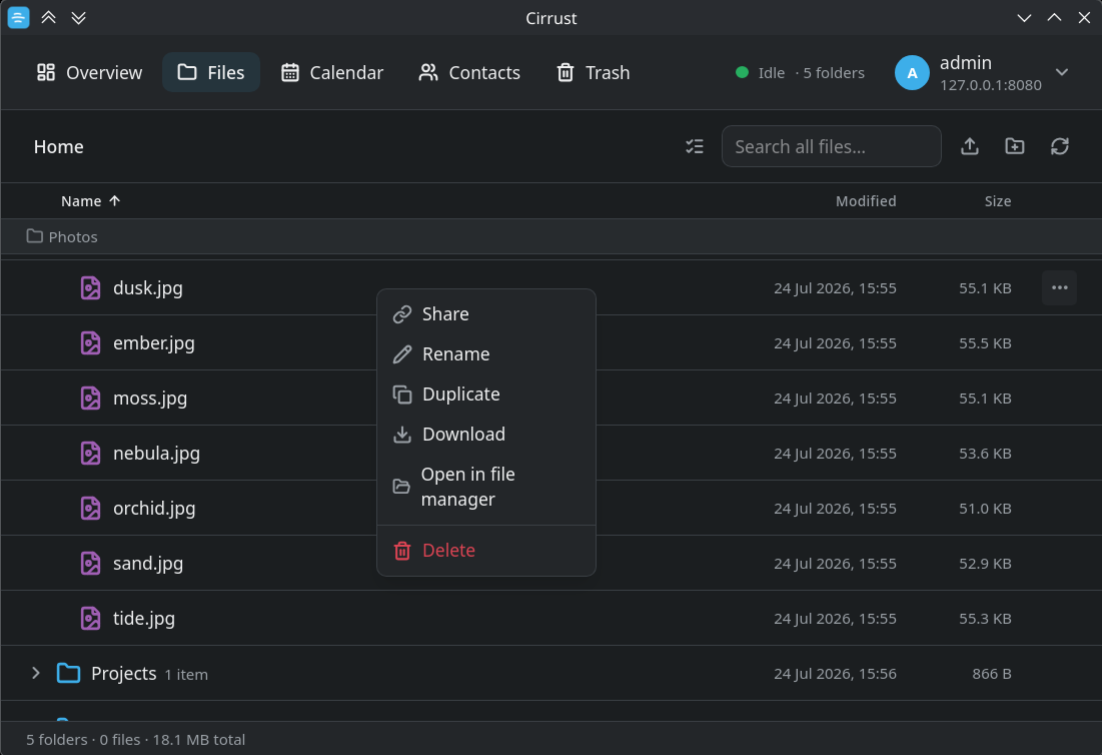
Browse, search and manage your whole Nextcloud in a sortable details list — expand folders inline into a tree, much like Dolphin's expandable-folders view. A sticky location breadcrumb keeps the folder chain you're scrolled into pinned to the top so you never lose your place.
- Upload via button or drag-and-drop, create folders, rename & move
- Right-click menu at the cursor + multi-select bulk delete
- Open in file manager, or reveal a synced copy instead of re-downloading
- Type-ahead jump & Ctrl/Cmd+F search across the account
Preview media without leaving the app
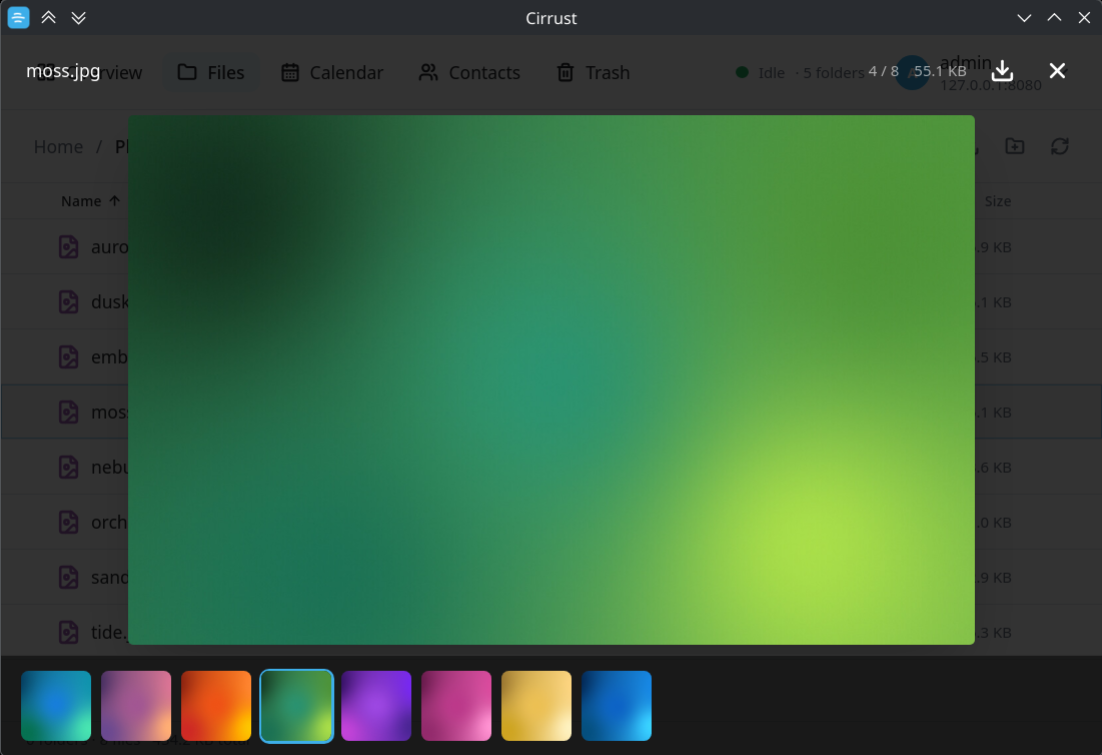
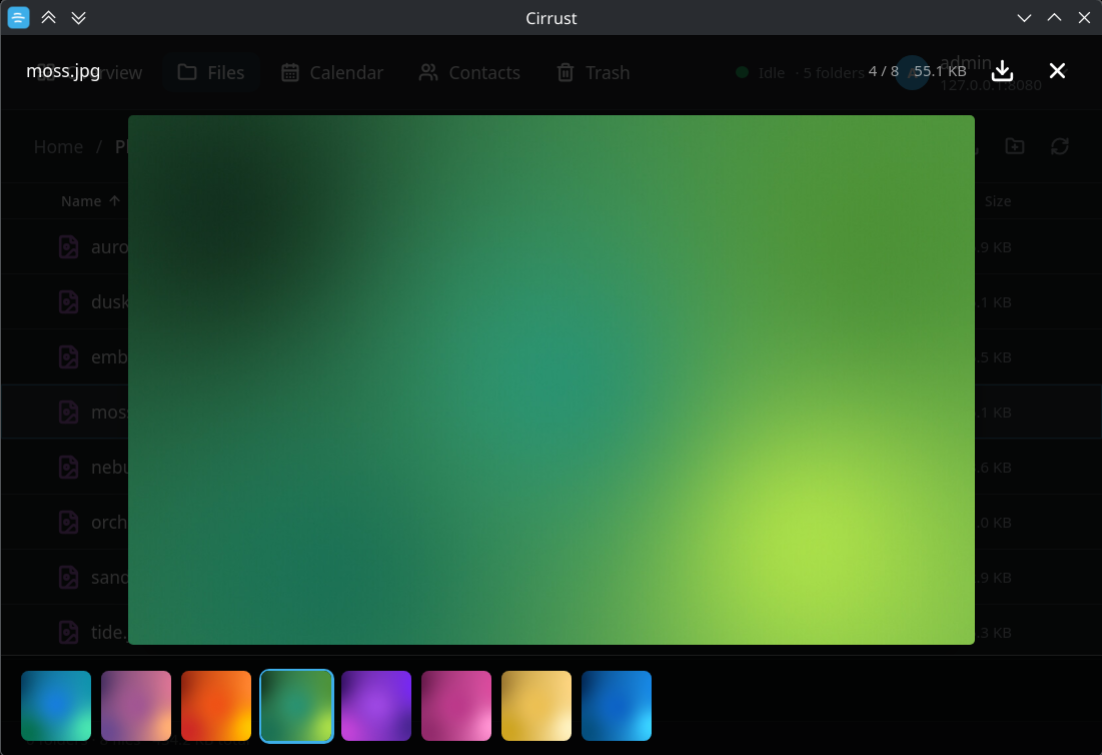
Images, PDFs, text/code and video open in a modal. Video plays local-first — straight from your synced copy when present, otherwise streamed — through a loopback media server so the timeline and seeking work properly, with fullscreen (press F) and autoplay.
- Image gallery with ←/→ navigation and a thumbnail filmstrip
- PDFs, text and source files render inline — no external viewer
- Seekable, fullscreen video on WebKitGTK — no full-file download
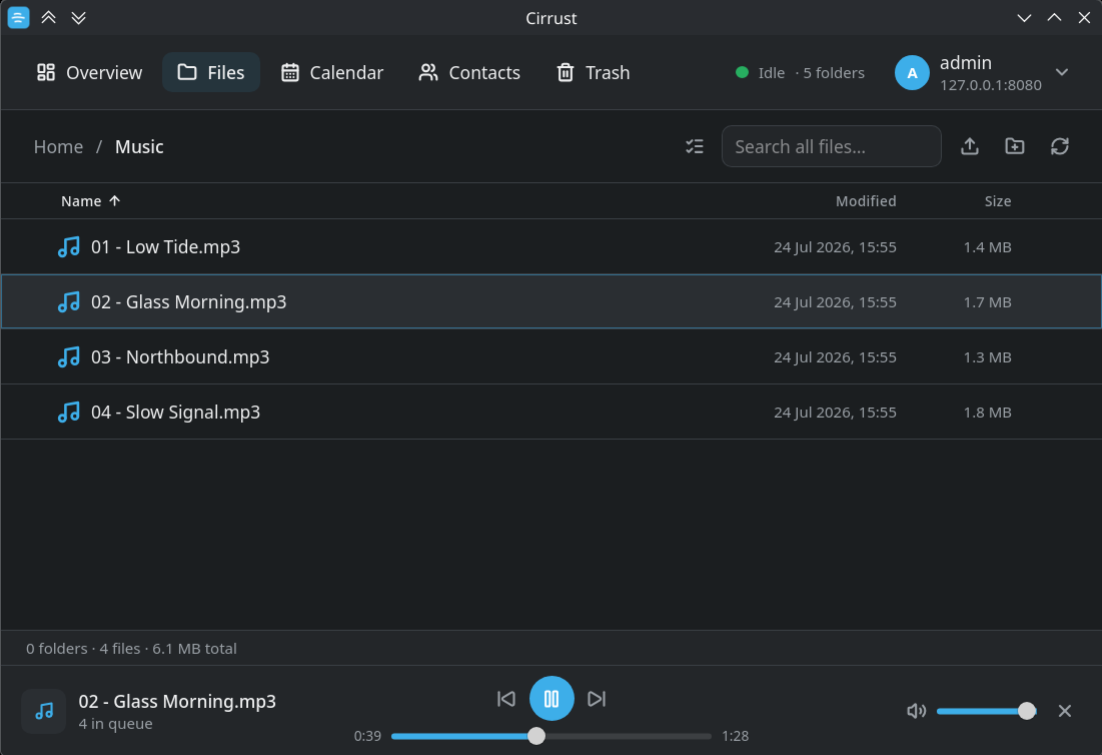
Play your music straight from the cloud
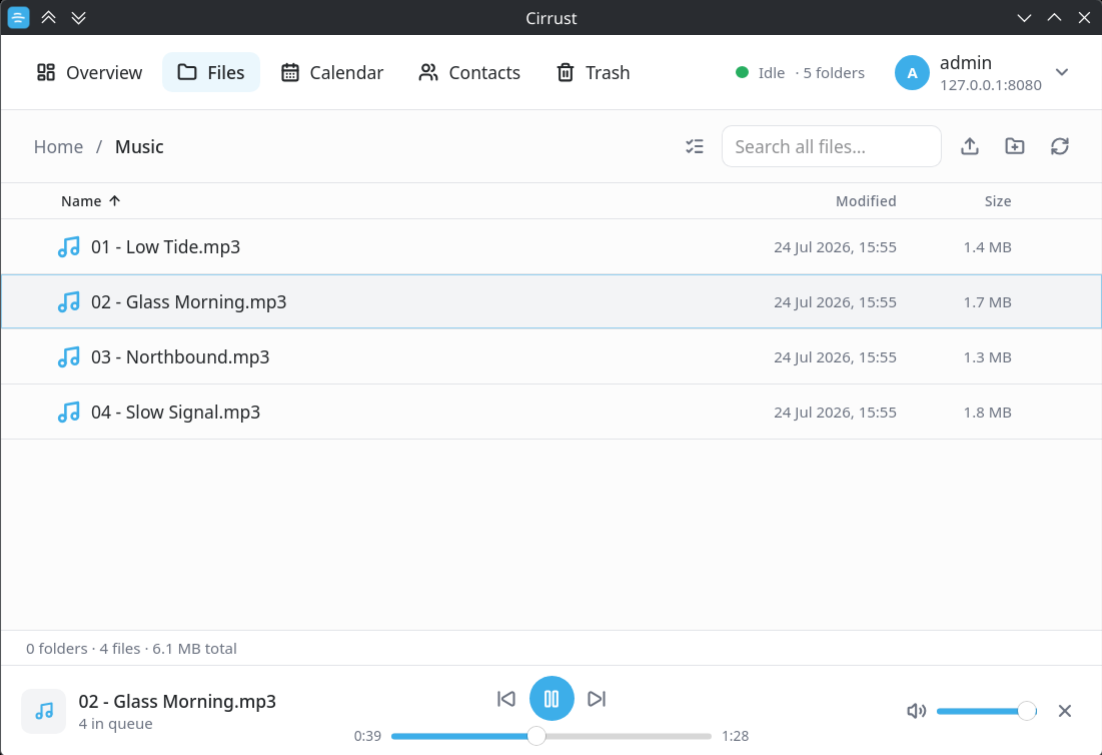
Click any audio file and it starts in the player bar at the bottom of the window, which queues up the rest of the folder. Tracks are decoded through the Web Audio API for clean, gapless playback — synced files play from the local copy, everything else streams on demand.
- Folder becomes a queue — skip forward and back through it
- Scrubbable position, elapsed / total time and volume
- Space toggles play/pause anywhere in the app
- Keeps playing while you browse other folders and views
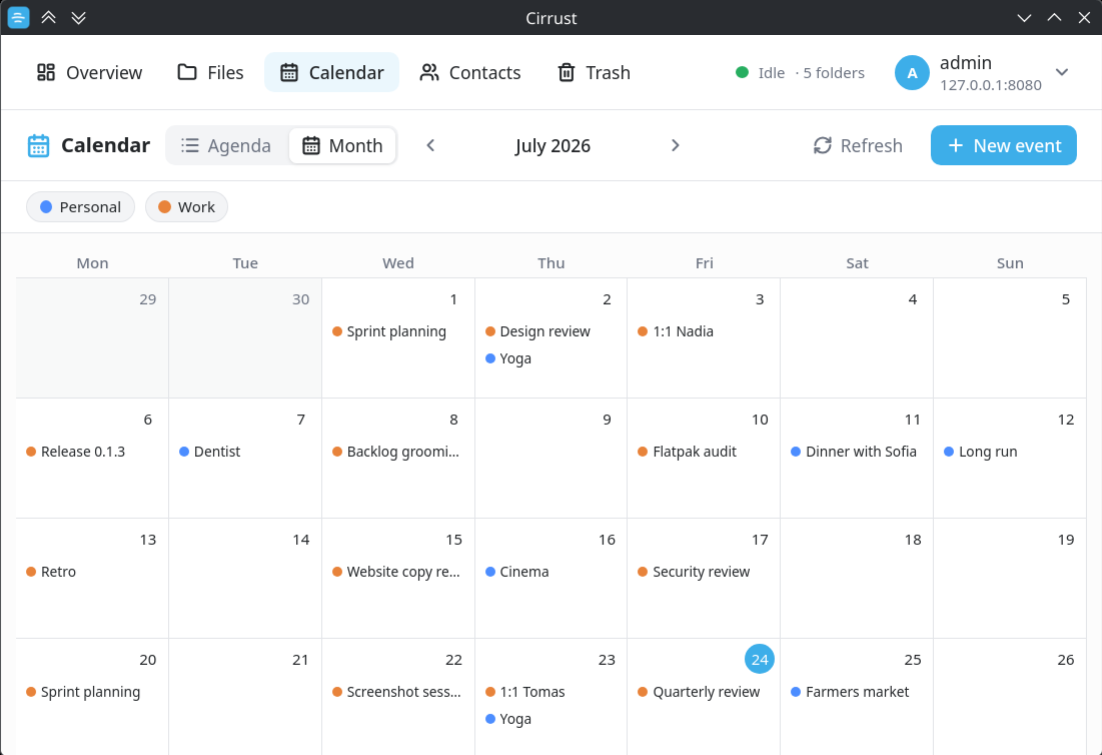
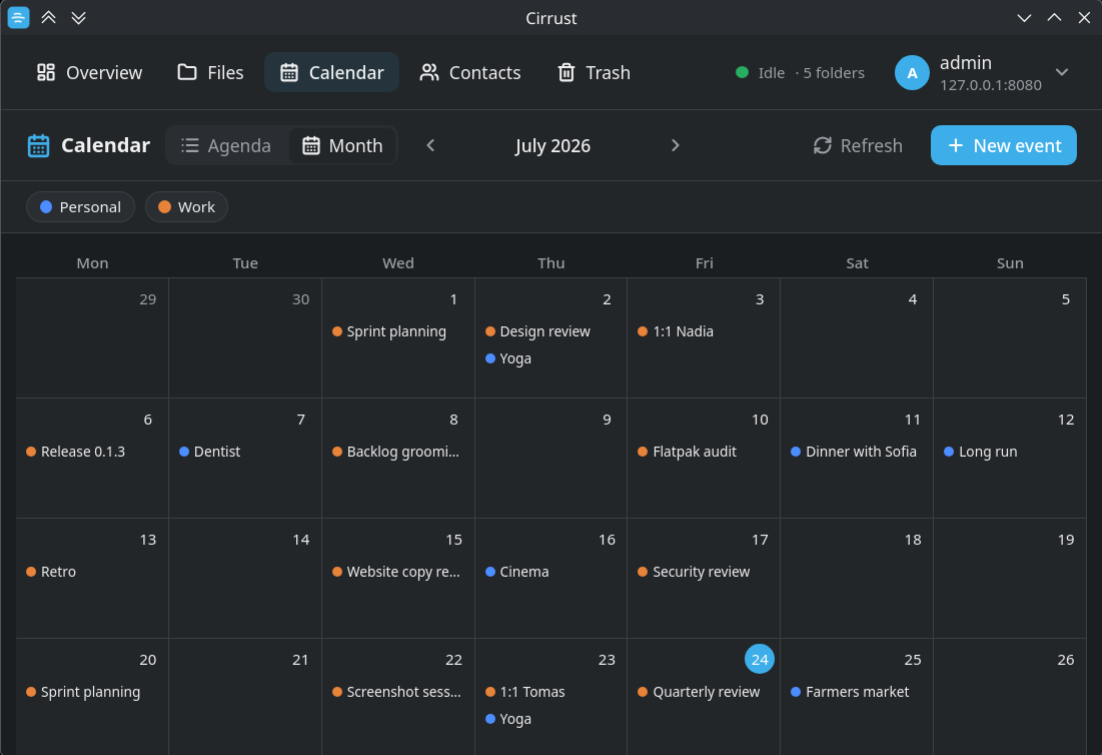
Your calendars, two-way
Full CalDAV sync of your Nextcloud calendars with Agenda and Month views, per-calendar colour filters, and create / edit / delete for events — all-day or timed, with location and notes.
- Cached on disk for instant, offline load; reconciled in the background by CTag
- Right-click a day → New event; double-click to add
- Edits are lossless — recurrence rules & alarms are preserved
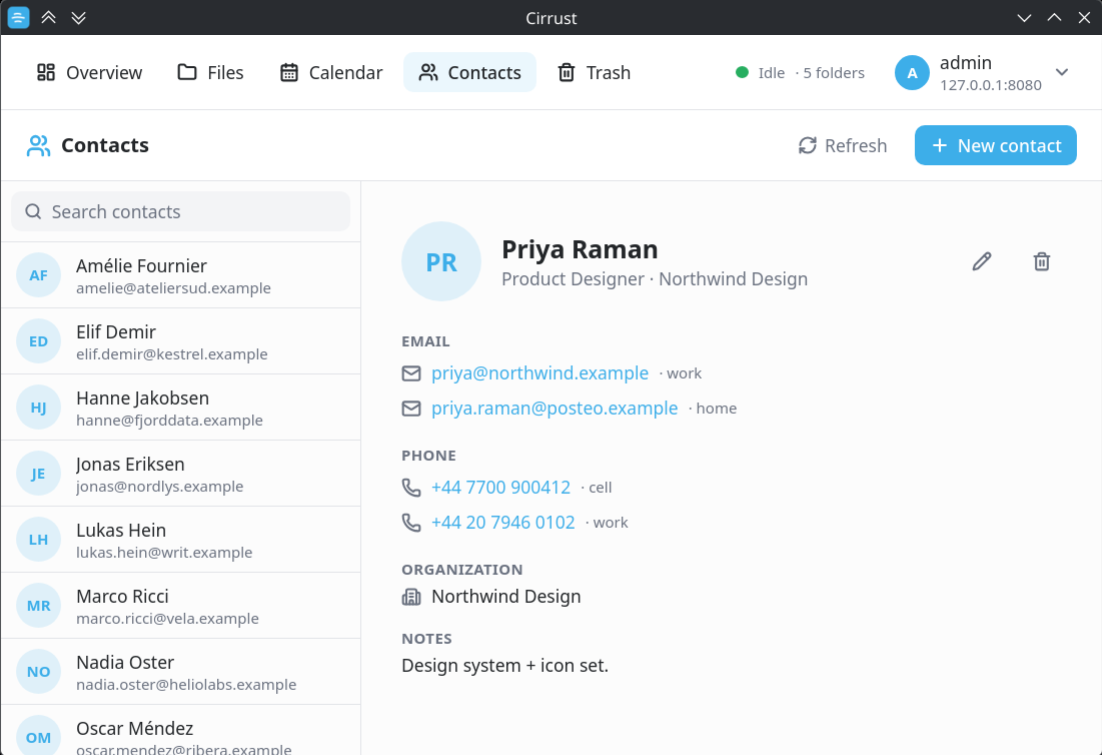
An address book that writes back
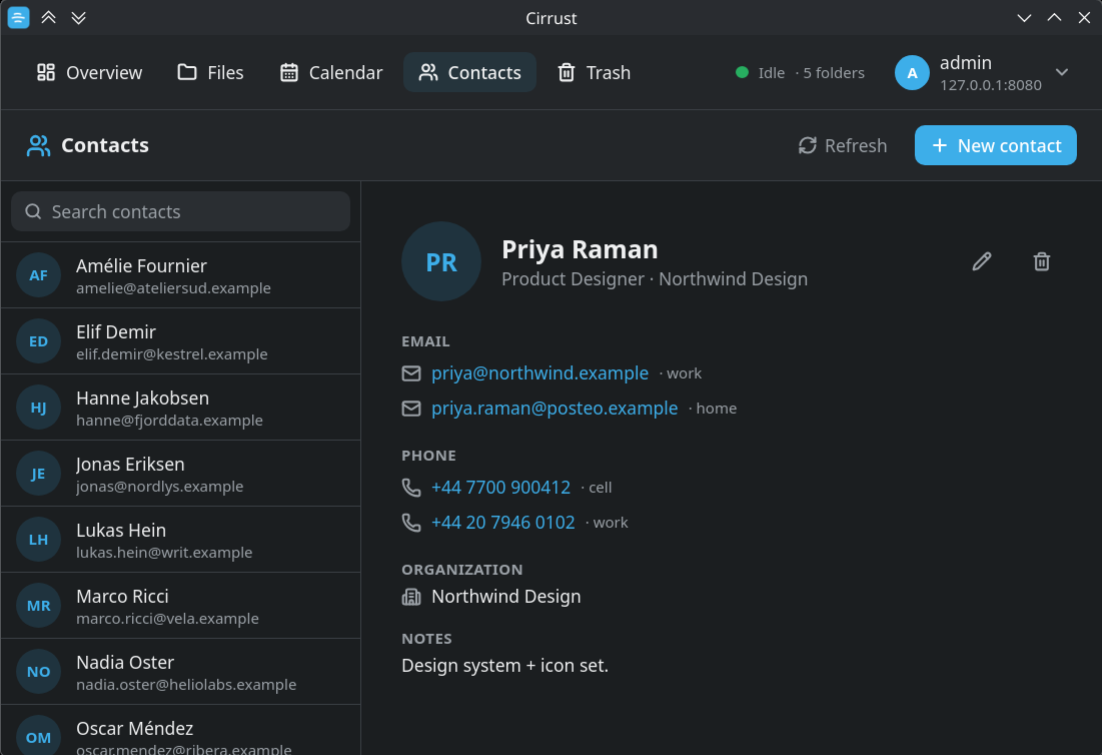
Two-way CardDAV sync with a searchable list and a detail pane. Create, edit and delete contacts with multiple emails and phone numbers, organization, title and notes.
- Edits are lossless — contact photos & custom fields survive
- Writes guarded by ETags so a concurrent change never clobbers
- Right-click a contact → Edit / Delete
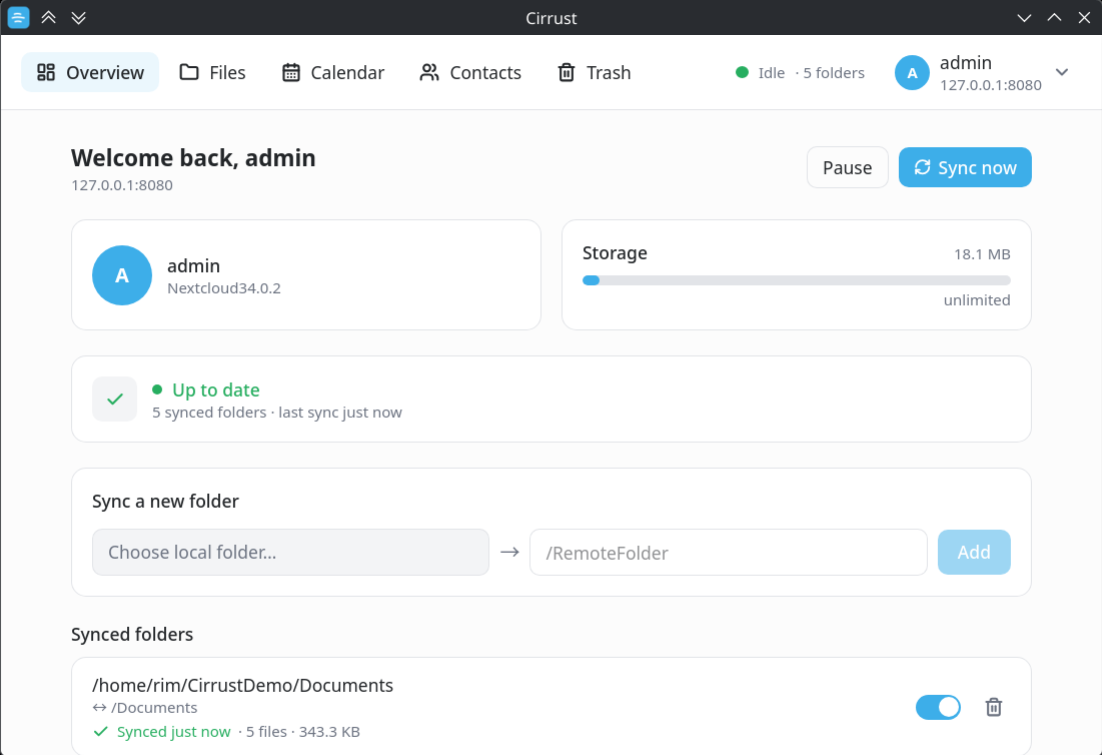
Background sync that just runs
A journaled, bidirectional Rust sync engine keeps local↔remote folder pairs up to date — on startup, on a timer, on demand, and reacting to local changes via an inotify watcher. It keeps running in the tray after you close the window.
- Live progress: current file, per-file & overall bars, transfer speed, ETA
- Activity feed of uploads / downloads / deletions / conflicts
- Global + per-folder pause, ignore patterns, and conflict resolution
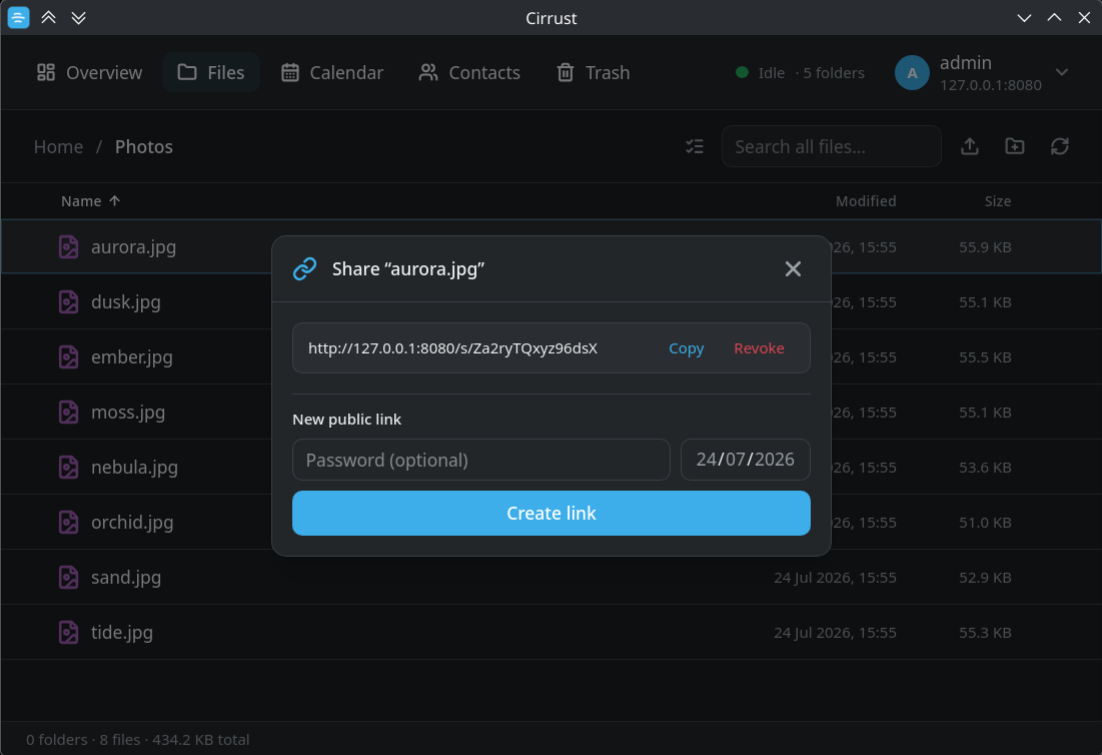
Hand out a public link in two clicks
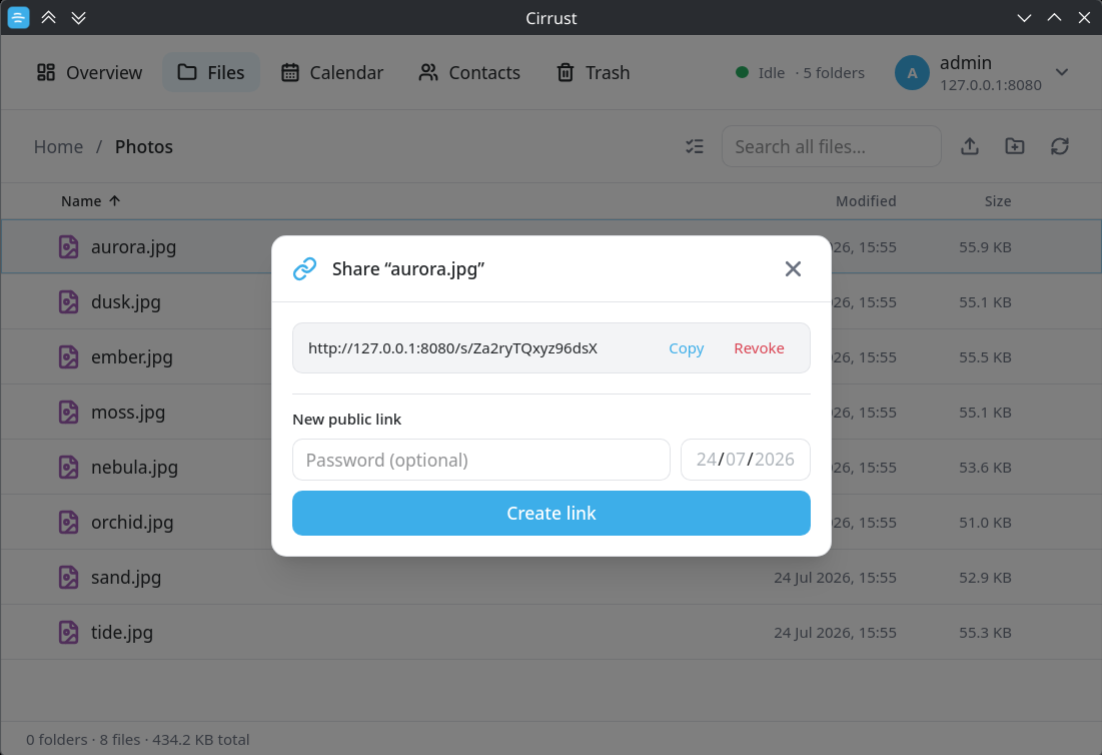
Right-click any file and choose Share to mint a Nextcloud public link through the OCS Sharing API. Existing links are listed so you can copy or revoke them, and new ones can carry an optional password and expiry date.
- Create, copy and revoke links from one dialog
- Optional password protection and expiry date
- Real Nextcloud shares — visible in the web UI too
Nothing is gone until you say so
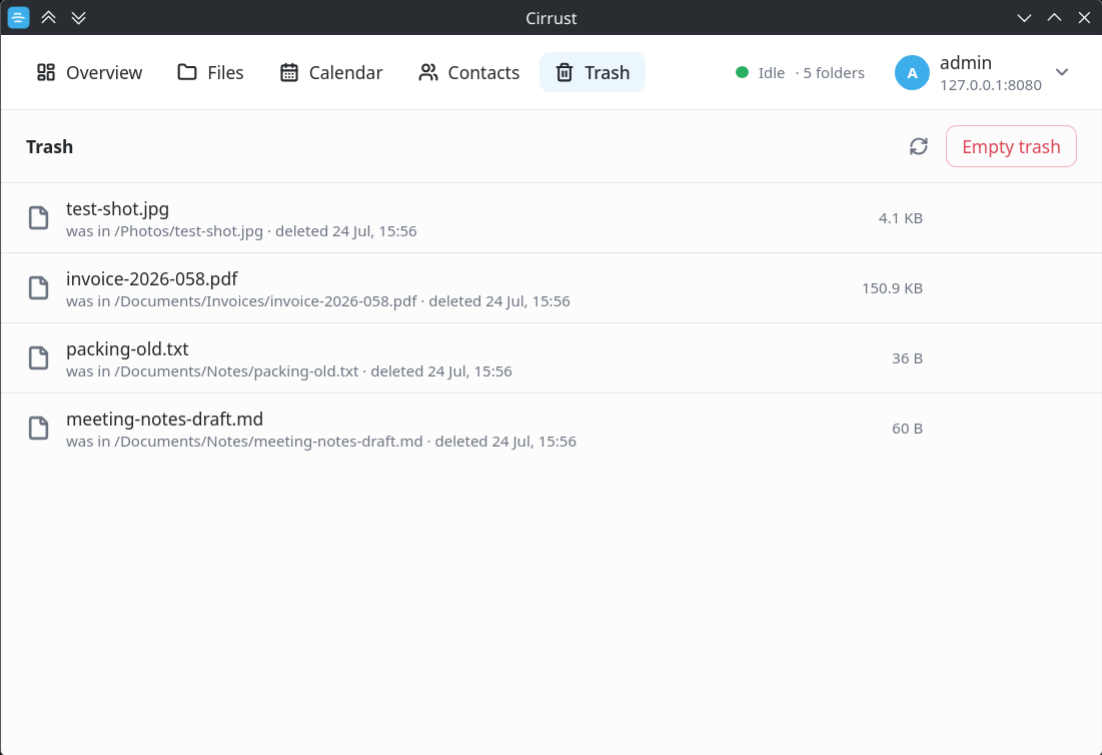
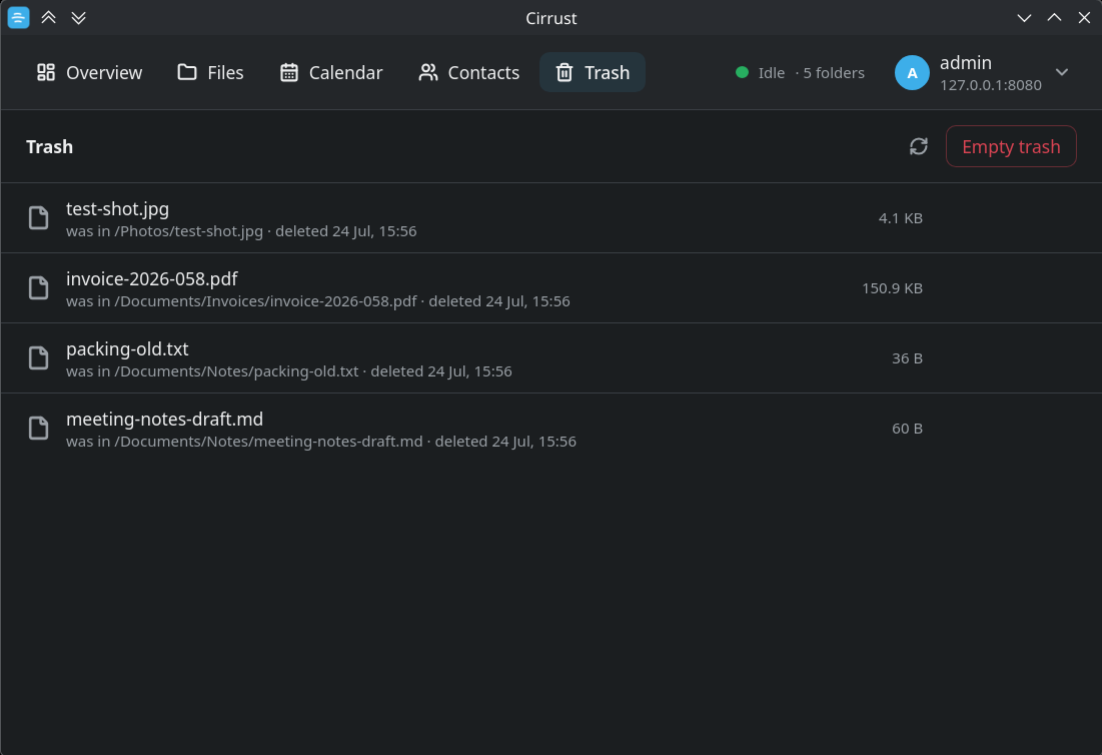
Cirrust reads Nextcloud's trash bin directly, so anything deleted — by the app, the web UI or another device — shows up with the path it came from and when it went. Put it back where it was, delete it for good, or empty the whole bin.
- Every item shows its original location and deletion time
- Restore to the original path, or delete forever
- Empty trash in one action
Know what your server is doing
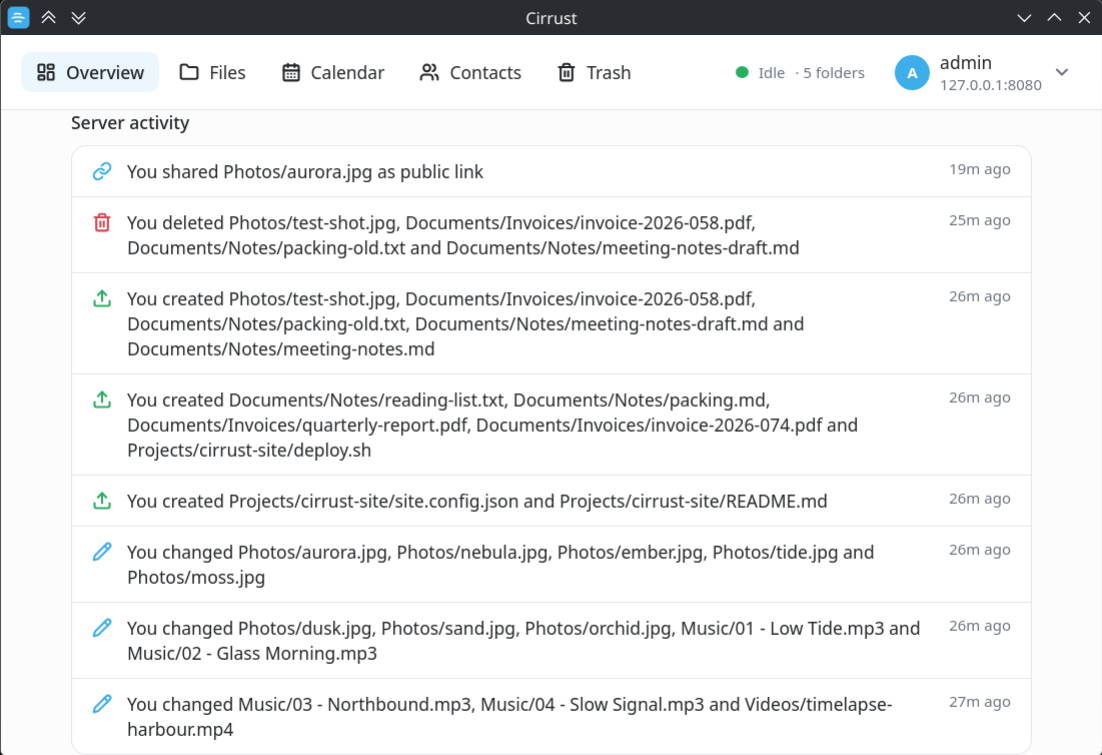
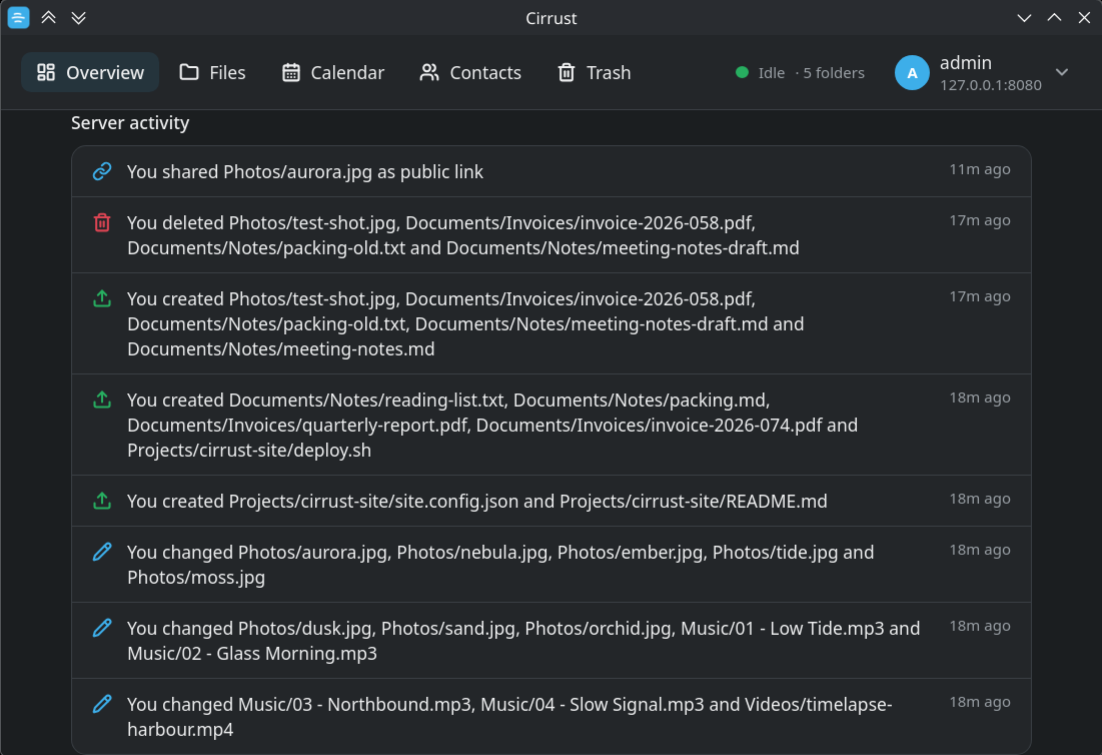
The Overview pulls your storage quota and usage, account and server details, and the server-side activity feed over the OCS API — uploads, edits, deletions and new share links, whichever device caused them.
- Quota and usage with the server version at a glance
- Activity feed covering uploads, changes, deletions and shares
- Start on login toggle, minimized to the tray
Light, dark, or follow the system
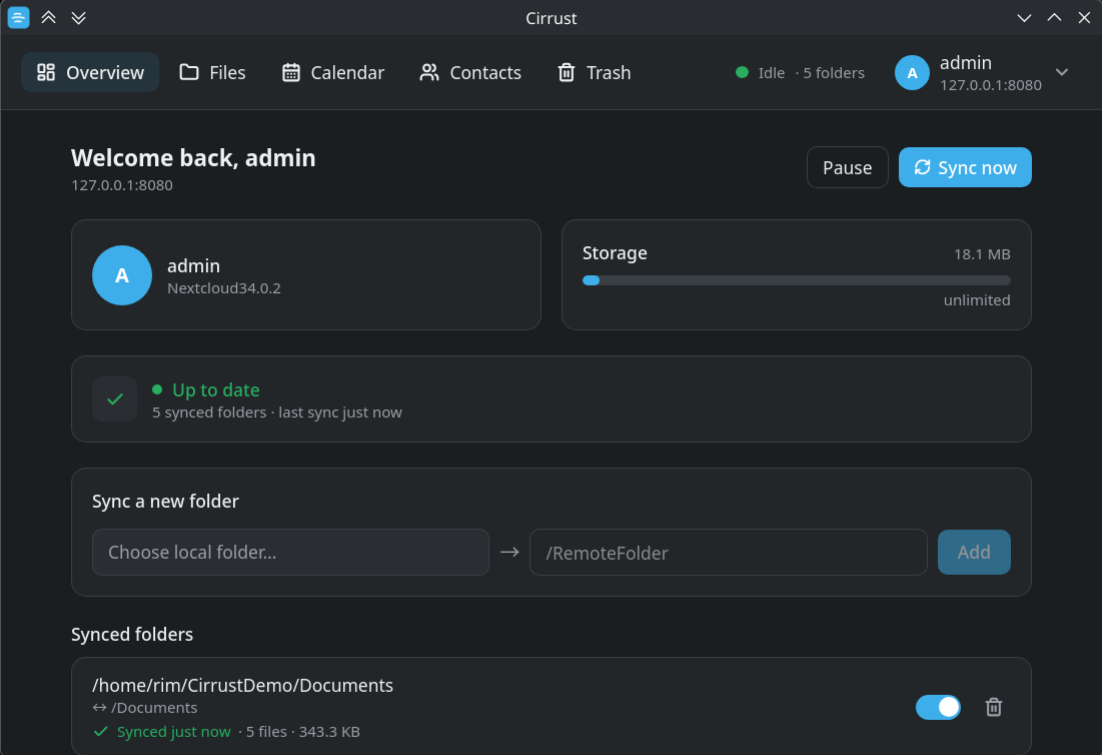
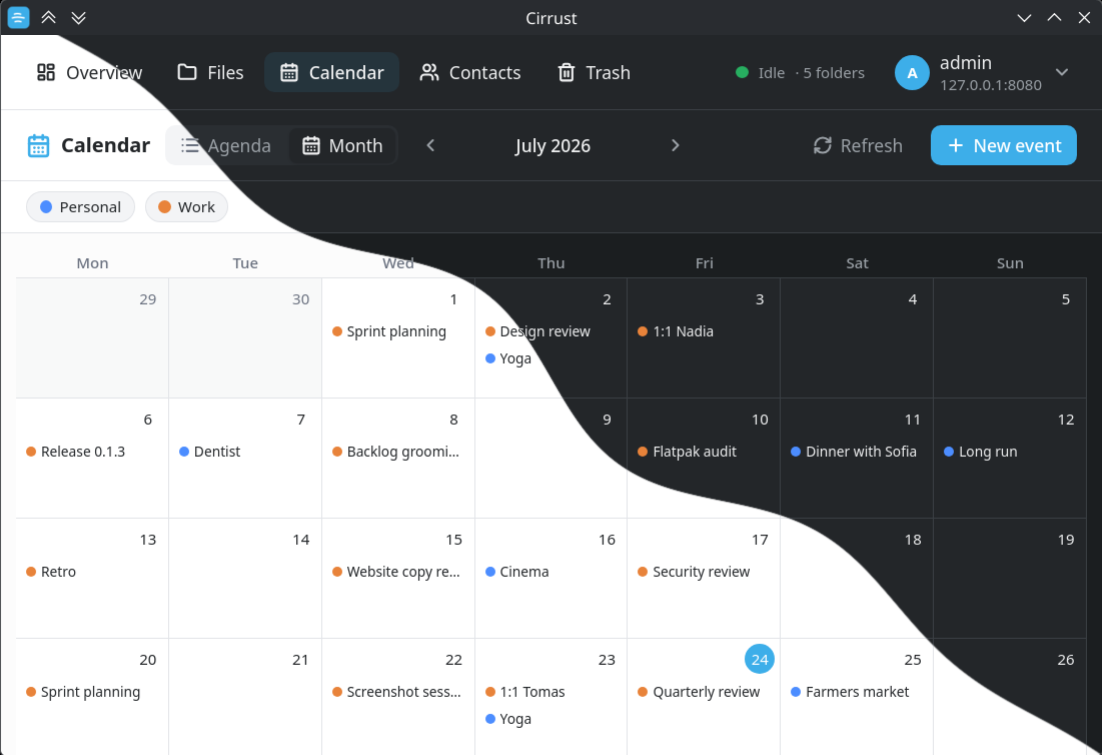
A theme switch in Overview → Appearance lets you pin Light or Dark, or follow your Plasma / OS colour scheme. Your choice is remembered and applied before the first paint — no flash.
- KDE Breeze-inspired palette and tokens
- Subtle motion with reduced-motion support
Native panel integration — not just a tray icon
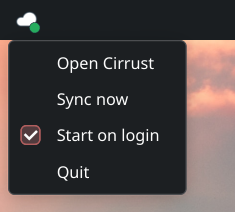
Cirrust ships real panel widgets for the big three Linux desktops. Each shows
live sync state and can sync now or open the app, talking to
it over a session D-Bus service (org.cirrust.client.Daemon).
Everywhere else, a status-badged tray icon has you covered.
- KDE Plasma 6 — QML plasmoid for your panel
- GNOME Shell — top-bar extension (Shell 45+)
- Cinnamon — panel applet
- XFCE · MATE · Budgie · LXQt · waybar — StatusNotifier tray, where the desktop provides one (XFCE needs
xfce4-statusnotifier-plugin, waybar itstraymodule)
Private & secure by construction
Credentials in the OS keyring
Only a Nextcloud Login Flow v2 app-password is stored — in KWallet / Secret Service, never in config files or logs.
Locked-down webview
A strict CSP, no v-html/eval, and Tauri capabilities limited to the plugins actually used.
Your system's TLS roots
TLS trusts the system certificate store, so self-hosted servers with an internal CA validate correctly.
Get Cirrust
Grab a build from the Releases page, or build it yourself. WebKitGTK is bundled in the AppImage.
cd app
npm install
npm run tauri build    # → AppImage in target/release/bundle/
Arch / Manjaro: use the AppImage or build natively.
# KDE Plasma 6
cd widget && kpackagetool6 --type Plasma/Applet --install package

# GNOME Shell (45+) — then enable in the Extensions app
cp -r integrations/gnome-shell/cirrust@cirrust.app ~/.local/share/gnome-shell/extensions/

# Cinnamon — then add via panel → Applets
cp -r integrations/cinnamon/cirrust@cirrust.app ~/.local/share/cinnamon/applets/